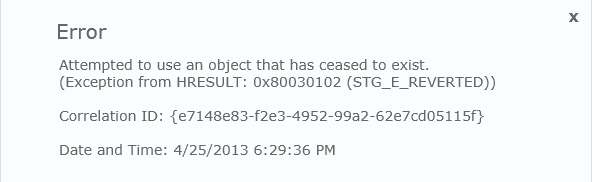
Scenario:
- You want to activate your newly deployed feature to install a timer job
- You want to deactivate the feature and remove the job
- You want to deploy an update to the existing timer job feature
Message:
The application attempted to perform an operation not allowed by the security
policy. To grant this application the required permission please contact your
system administrator or change the application's trust level in the
configuration file.
Note:
I was able to Deactivate the feature from the SharePoint UI, as a farm admin, but the Activate still failed for me.
Solution:
Use the following PowerShell commands:
Disable-SPFeature -Identity "TimerJobName" -url http://site:port
or
Enable-SPFeature -Identity "TimerJobName" -url http://site:port
To determine your feature's name you can use (which can be tricky sometimes) use this command:
Get-SPFeature | where-object {$_.DisplayName -match "MyPattern"} | Select DisplayName